If you’re on Instagram you’ve likely seen creators use the “comment for a link” feature and had a link land straight to your inbox. This blog goes over how to create an affiliate link (so you earn a commission), where to set up the comment feature, and some best practices! **This post may contain affiliate links, a small commission may be earned.**
Before we get started – you need to be sure you are familiar with the Fair Trade Credit Reporting Act. I’ll discuss it briefly but this Act requires you to disclose to your audience when you are receiving products in exchange for content, a review, and/or payment. PLEASE review these guidelines and do a little research on this yourself. In addition to researching FTC, you’ll also want to research your tax obligations since these will be an income source.
Instagram is a great tool for finding people in your niche, making an income, or driving traffic to your blog. One of the greatest developments with Instagram is the ability for small creators to use the features that can help you make money. I remember when I first wanted to start growing my instagram it was before the link feature was available to everyone (you had to have 10k followers just to create a swipe up link). Now you can use the link feature no matter what and there are new features like the “Comment for link” feature.
If you are on Instagram you have likely seen other creators share a product they love or talk about their blog and use a “comment for link” feature. This feature is a game changer because it links to your page and sends the DM for you. When I first started seeing these reels, I honestly did not know this was a special feature and I was SENDING ALL MY LINKS BY HAND… It took forever, but your girl isn’t afraid to hustle!
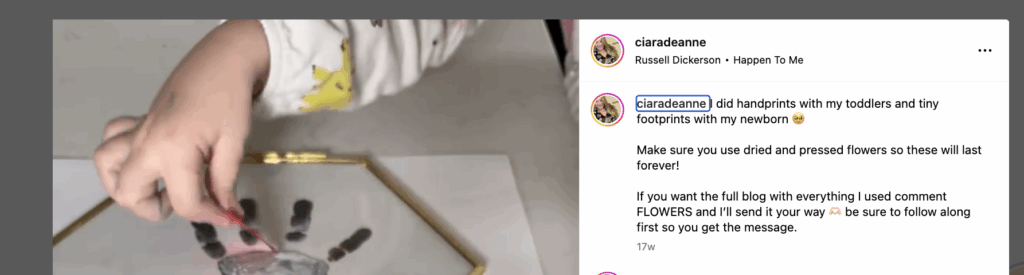
Why would you want to send the link to someone’s DMs? A lot of people think this feature is an “engagement bait,” but since you aren’t able to link directly in the caption of an instagram post, this gives your followers an almost effortless way to get the link.
BUT – even if there was a way to put the link directly in the caption, I’d argue the link sent to the DMs is the best method for conversions for you (aka best method for you to make money). Basically, you are sending the link to their DM so they can see the product, but if they don’t want to buy in that moment – they can always come back to your DM conversations easily. Versus a link in bio, a link in story, or a link in a caption (this option doesn’t exist yet), where you would essentially need them to buy the item right after they click your link. I hope that makes sense…
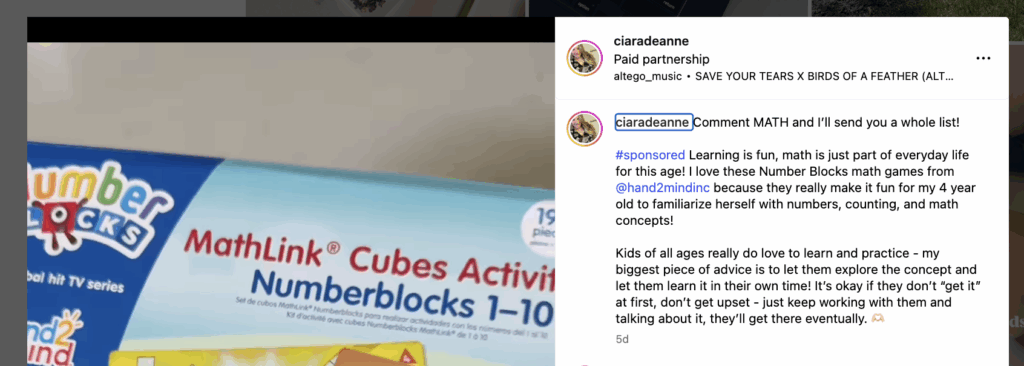
Before we get into that, let’s make sure you know how to make an affiliate link so you can make a little commission off whatever reel you are hoping to use this feature for. If you are new to all of this, affiliate links are where you create a link for various stores (think Target, Walmart, etc) and when someone clicks that link to shop, you earn a commission!
The cool thing about affiliate links is you can earn commission on several items in a purchase, even if it’s not the original item you linked. I have a full “How to Make Money From Home” blog post that shares all the platforms I use.
Okay so how do you create an affiliate link? There are a few ways! Basically you need to apply and join affiliate platforms that allow you to create the links.

My favorite platform if you don’t have much of a following at all is Mavely.
Mavely: If you don’t have a big social following then Mavely is PERFECT for you. There are no requirements for a following size and you get approved right away! Mavely allows you to link stores like Target, Walmart, Old Navy, and more. I really like that Mavely also has monthly bonuses that are fun to try and reach.
If you do have a following of a few thousand, LTK is a great option.
LTK: Liketoknow.it – you’ve probably seen this before on Instagram and you may even have the LTK shopping app already downloaded on your phone. There is an LTK Creator side where are you able to create links and posts to share with your social media. One really cool piece of LTK is you have a profile that people can search, follow, and shop from. If you are active on LTK they will even push your content out to those shopping in their app. This is an awesome way to get an extra chunk of passive income, because you are already creating the posts!
For LTK you do have to apply to become a creator. That means you want to have some kind of social media following (I’d suggest at least 1k before applying) AND you need to be active on that social media profile for them to approve you. Similar to Mavely you are able to link stores like Target, Walmart, Old Navy, etc. Another cool piece with LTK is you can also link Amazon. This is particularly great if you aren’t able to get approved via Amazon Influencers or you just want to focus on one platform.
Amazon Influencers/Associates: There are two different programs for Amazon. If you are just looking to link items, you’ll become an Amazon Associate. This could be helpful if you plan to just link on a blog or only to link occasionally. I would assume if you’re reading this blog, you want to do more than occasional links – in that case I would suggest Amazon Influencer.
Just like LTK, you’ll need to have about 1k followers on a platform and be ACTIVE on that platform (actually making posts and engaging with others). There is no set guidelines or rules on the following part, but this is the most common thing I’ve heard.
Amazon Influencers is necessary if you want to have the Amazon Storefront AND if you want to do the Amazon “Reviews” or On-Site Commissions. I talk about how to “unlock” this feature in my blog “How to Make Money From Home”
Okay so you know how to make an affiliate link, let’s talk about the “Comment to get the link” feature.
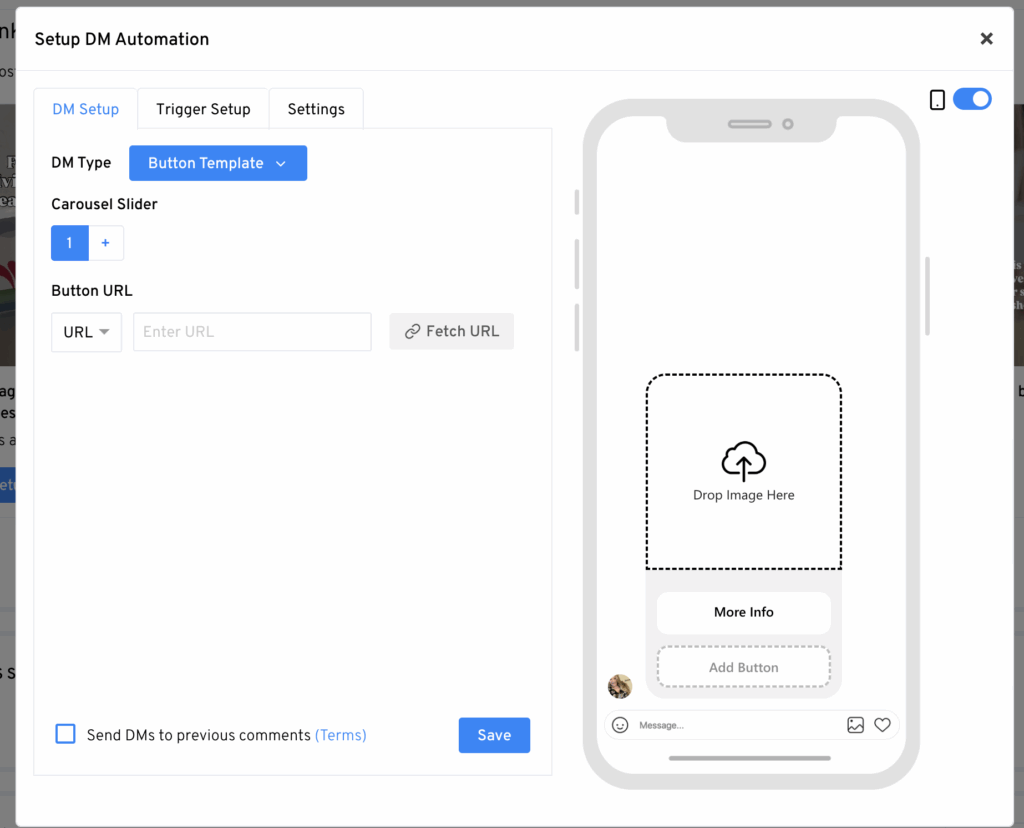
There are several options out there, but the two most common are ManyChat and LinkDM. Personally, I find LinkDM to be more user friendly and it’s free for 1,000 DMs a month! That means you could start off with the free version and only need to upgrade once you use those 1,000 a month.
There are some features that are only in the upgraded version that I like to use, the main one is the auto comment feature. I like to have this on so when someone comments the keyword they immediately get a reply back letting them know I sent that DM!
How do I use the LinkDM features? Let’s talk through the whole scenario and how I use it.
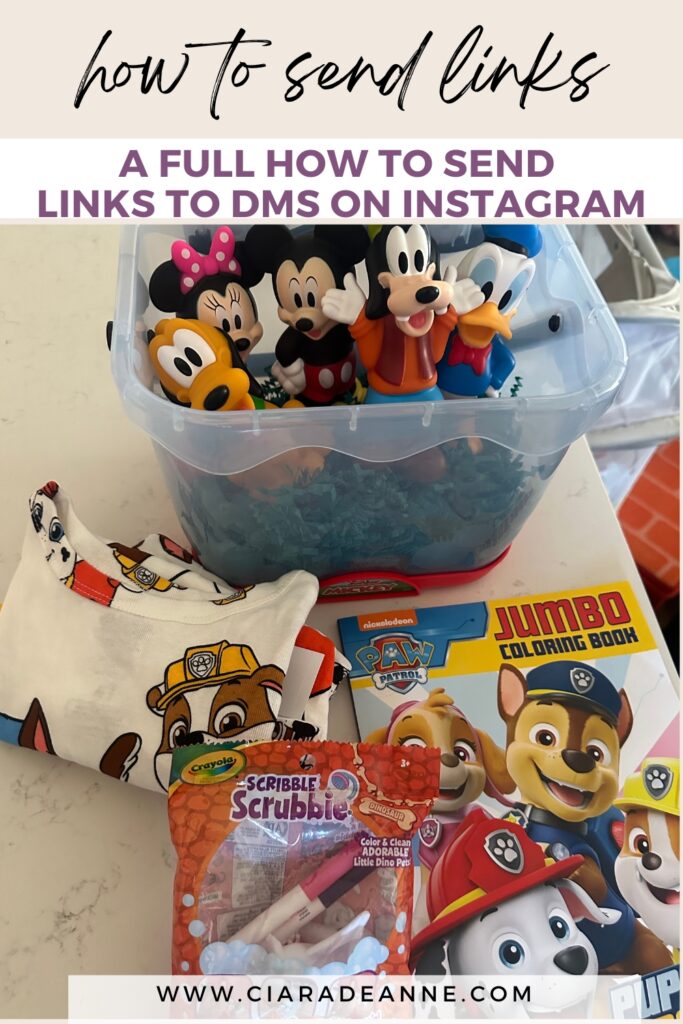
- I found an awesome stocking stuffer that I want to share with Instagram. It’s available at Target so I create a link with Mavely.
- I make a video showcasing the toy (this is where you show your style of filming, etc).
- I share the video on Instagram.
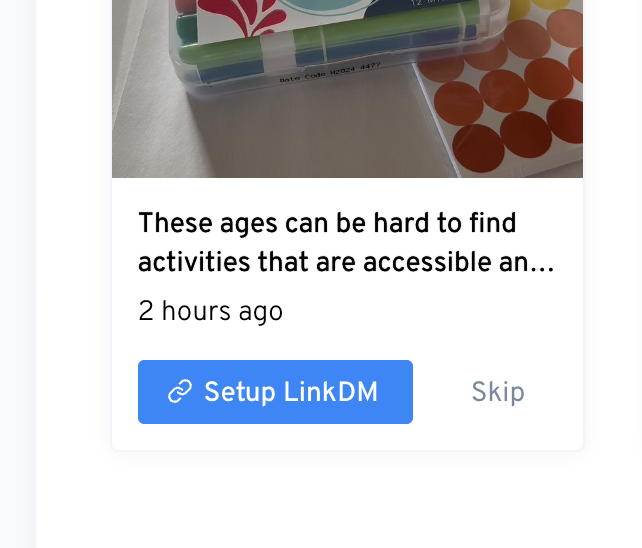
- I log into LinkDM and follow the prompts! Make sure you set up your TRIGGER word to be your keyword you are asking people to comment.
- Wait for comments to roll in!
Best Practices
- Try to use a keyword that people would only comment if they wanted the link. That is don’t try to “trick” people into getting your link sent to them – it’ll just cause them to not want to comment on any of your future posts.
- Make sure you are letting people know this is an affiliate link and following FTC guidelines.
- Make your video your own. Don’t copy someone else’s viral video in hopes of making a quick buck.
This feature has changed my life when it comes to social media. Not only do I use this for product videos, but I also use it for traffic to my blog! There are so many times I’ve shared toddler activities and had so many people interested in coming to my blog from them. It’s really a great resource when you use it correctly!
I hope this post has been helpful for you, if you are looking for more ways to make an income or even how to start your own blog, I have tons of resources for you! You can do this! xx, Ciara


Pingback: 6+ Ways I Make Money as a SAHM - Full How To Guide - Ciara Deanne on July 15, 2025
1 COMMENT