This post may contain affiliate links. A small commission may be earned if you make a purchase through my links. Thank you for supporting my blog!
If you know me at all, you know I’m all about balance. We do screens, but outdoor play and imaginative play always come first. I love buying my kids toys, but most days we’re happily crafting with construction paper and cardboard. Sure, I could buy a fancy educational toy or turn on a learning show, but if I can do without it, I will.
Phones for Kids: Why I’m Already Planning Ahead
I feel the same way about phones for my kids. We aren’t quite at that stage yet, but I’m always researching for when the time comes. Because let’s be real… they will end up with a phone one day. And when that day comes, I want it to be a device that I have control over. Between social media, strangers, and inappropriate content, I don’t want my kids to have too much unsupervised access.

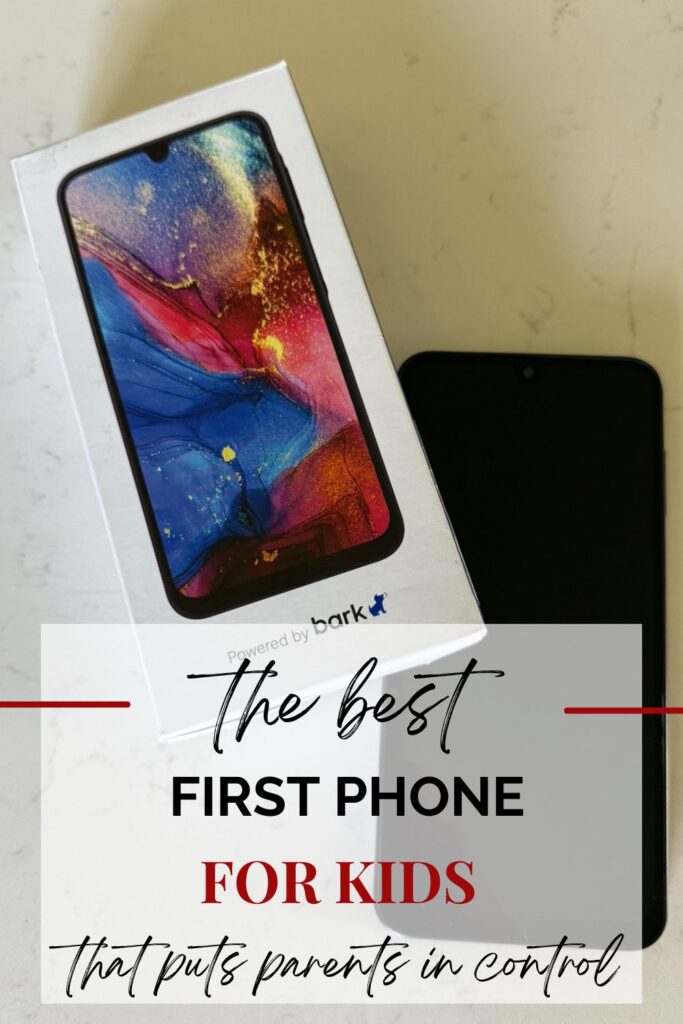
Introducing the Bark Phone
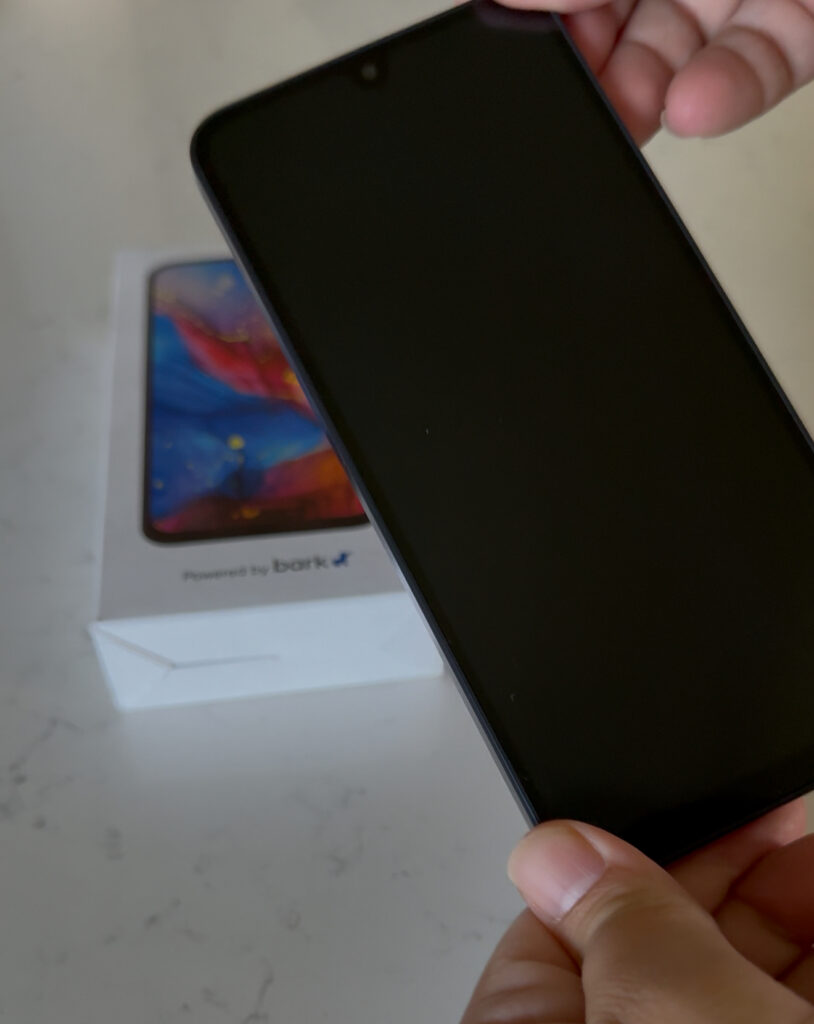
The Bark Phone comes with tamper-proof parental controls that cannot be bypassed or deleted. It looks just like a regular Samsung phone (so your kid feels like they have the same “normal” phone as their friends), but you control everything from your own device. Yes, everything. Apps, contacts, messaging… nothing happens without your approval.
Safety and Control Features
- Location alerts: Know when your child arrives or leaves a place.
- Content monitoring: Get alerts for inappropriate content or concerning language.
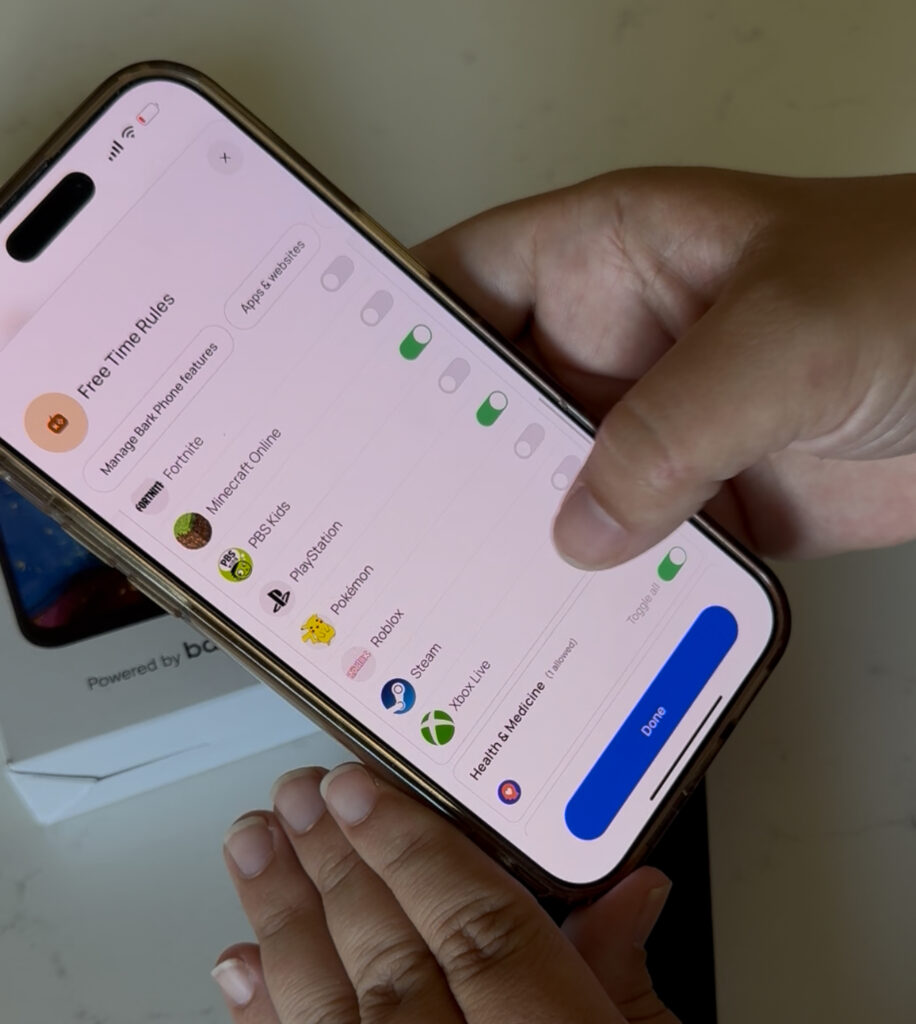
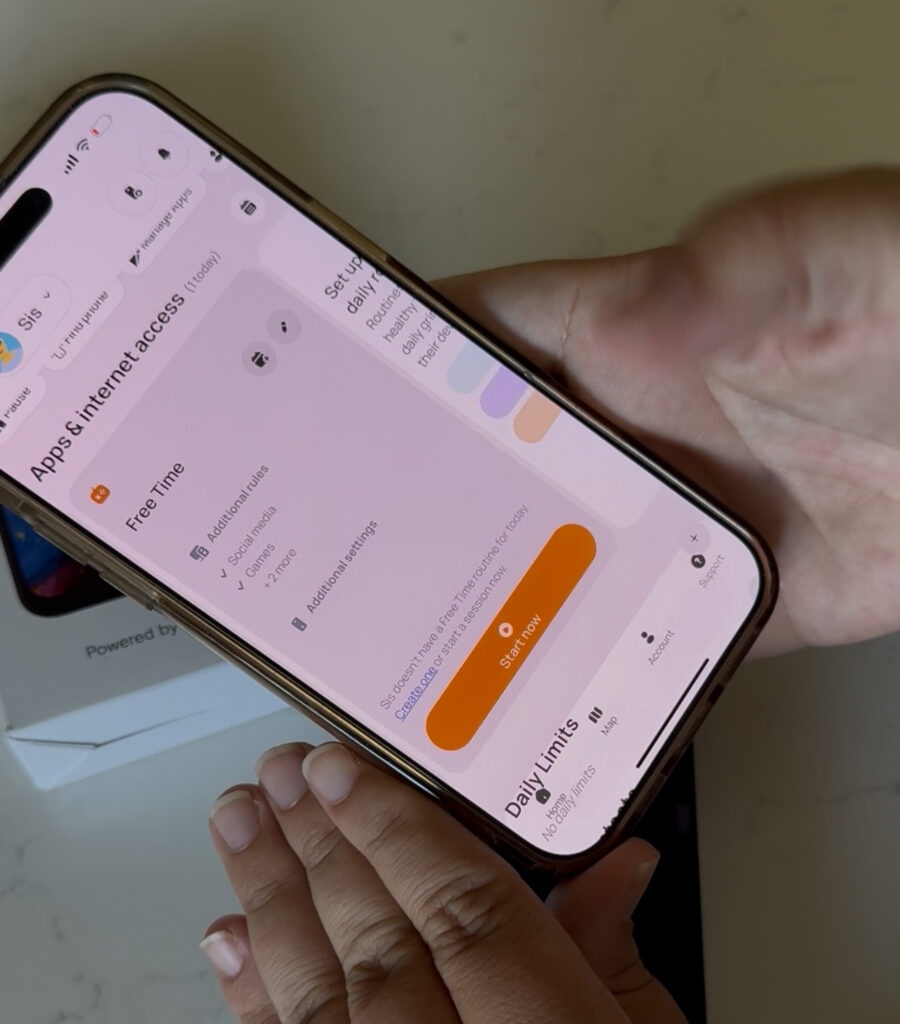
- Custom daily modes: Set different rules and allowed apps for school, free time, and bedtime.
This makes it easy to fit the phone into your routine and your family’s unique dynamic.
Growing With Your Child
Even though we haven’t reached the phone stage yet, I love that you can start with a talk, text, and camera-only mode and gradually unlock apps, educational tools, and even social media, all under your guidance. It gives me the confidence that my kids can gain independence online while staying safe.
Why Bark Stands Out
Because this is a Bark Phone, not just a phone with the Bark app loaded on it, it’s truly tamper-proof. That does mean an active subscription with Bark is required to use it, but setup was super easy, even for me as an iPhone user.
I did some research comparing phones for kids, and while there are options like Gabb, the Bark Phone stood out for its combination of safety, parental control, and flexibility. It’s the perfect balance of independence and peace of mind, exactly what I needed when thinking about my kids’ first phone.
Check out the Bark Phone here.
A Starter Step: The Bark Watch
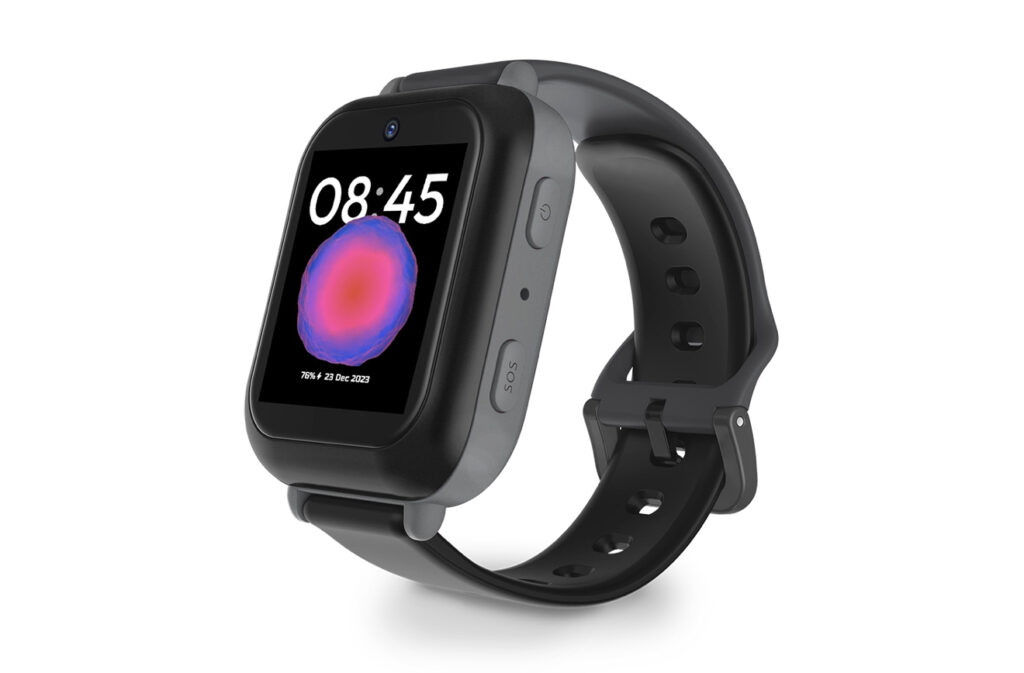
If you’re not ready for a full phone yet, the Bark Watch is an amazing first step. It gives kids a safe, connected experience without full phone access, letting them call and text approved contacts while you stay in control.
Common Questions Parents Ask
Can my child download apps without my approval?
Nope! Every app installation requires your approval first. Your child can’t download anything without you enabling it from your device.
Can I see their location and set geofencing alerts?
Yes! You can track your child’s location in real time and set geofenced zones. You’ll get alerts when they arrive at or leave a location.
What happens if they try to bypass controls?
The Bark Phone is truly tamper-proof. Any attempts to override settings will be blocked, keeping you in full control.
Can I customize different modes for school, free time, or bedtime?
Absolutely. You can schedule different apps and features for each mode. For example, social media and games can be blocked during school, while free time allows more access. Bedtime mode can lock the phone entirely if you want.
Are there options for kids who aren’t ready for a full phone yet?
Yes! The Bark Watch is perfect for younger kids. It allows calling and texting approved contacts and gives you parental control without full smartphone features.
Extra Tips for Using the Bark Phone
1. Introduce the phone gradually
Start with basic features like talk, text, and camera only. As your child demonstrates responsibility, you can unlock apps, games, or social media.
2. Use the daily modes strategically
Set school, free time, and bedtime modes from the start. It helps kids understand boundaries and reduces conflict over screen time. Involve your child in the setup so they understand why certain apps are restricted at certain times.
3. Check alerts thoughtfully
Bark sends notifications for concerning content or bullying. Use these alerts as conversation starters, not just enforcement, to discuss online safety openly.
4. Encourage responsible use
Even with full parental controls, teach kids about privacy, online etiquette, and the consequences of unsafe behavior. Tools are helpful, but guidance and conversation make the real difference.
5. Consider the Bark Watch first for younger kids
If your child isn’t ready for a full phone yet, start with the Bark Watch. It gives communication access and parental control without full smartphone features, a perfect first step.
Mom to Mom
At the end of the day, giving our kids a phone isn’t just about the device, it’s about trust, guidance, and keeping them safe while they explore the digital world. The Bark Phone and Bark Watch give me peace of mind knowing I can protect them from inappropriate content, cyberbullying, and strangers, while still allowing them the independence every child deserves. Technology isn’t going away, and neither are the challenges that come with it, but with the right tools and thoughtful guidance, we can help our kids navigate it safely. It’s not just about control, it’s about creating conversations, setting boundaries, and teaching responsibility so they can grow confident, informed, and resilient in an online world.
xx, Ciara